Enter the maze
Move with WASD and use the mouse to scan corners, corridors, and branching paths.
First-person 3D maze adventure
Explore twisting 3D labyrinths, collect crystals, find the golden key, and reach the portal while staying one step ahead of traps and enemies.
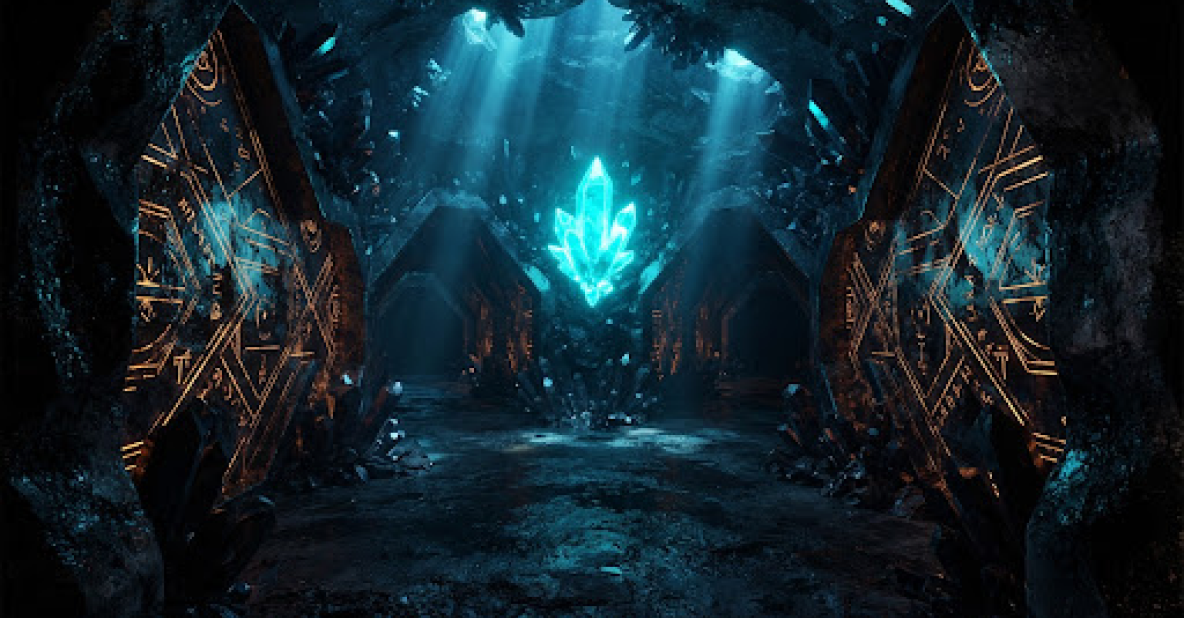
Collect the crystals, find the golden key, and escape through the portal.
How to playLoading Crystal Maze 3D…
Beginner guide
Learn the core loop, then use landmarks and careful exploration to find your way out.
Move with WASD and use the mouse to scan corners, corridors, and branching paths.
Search side passages for crystals, avoid hazards, and keep looking until you find the golden key.
Retrace your route when needed and enter the portal after completing the level objective.
Quick help
Try these fixes before starting the level again.
Game guide
Crystal Maze 3D is a first-person maze adventure built around exploration, collection, and escape. Each level drops you into a themed 3D labyrinth filled with branching corridors, hidden objectives, traps, and enemies. Your job is to stay oriented long enough to gather the required crystals, locate the golden key, and find the portal.
The maze rewards observation more than speed. Before rushing down the first corridor, look around the starting area and choose a landmark you can recognize later. At every junction, check the shape of the passage, nearby objects, lighting, and the direction you entered from. These small details make it much easier to return after exploring a dead end.
Pick a consistent method instead of changing direction at random. Following one side of the maze can help you cover connected passages, while clearing one branch at a time prevents you from repeatedly searching the same area. When you collect a crystal, remember the nearest corner or doorway so that location becomes another point on your mental map.
Use WASD or the arrow keys to move and the mouse to control your view. Hold Shift to sprint when a corridor is clear, and use left click or Space to attack. Save sprinting for known paths: entering an unfamiliar corner too quickly can make traps and enemies harder to read.
Crystals are part of the main progression loop. Search side corridors, alcoves, and dead ends rather than heading only toward open spaces. If the portal does not complete the level, retrace the branches you skipped and check whether the golden key or another crystal is still missing.
Slow down whenever a new room changes the rhythm of the maze. Watch moving hazards before crossing, keep room to retreat, and turn the camera to check blind corners. A safe route through a dangerous section is more valuable than a fast attempt that sends you back through the same corridors.
Once the collection objective is complete, search outward from your best-known landmark. Avoid abandoning your mental map for a random sprint. The golden key and portal may be easier to locate when you can deliberately eliminate branches you have already explored.
The game moves through different environments, including forests, caves, frozen areas, temples, and castles. Use each setting’s colors, structures, and distinctive objects as navigation markers. The scenery changes, but the useful habits remain the same: observe, explore systematically, collect what the level requires, and return to known landmarks when you lose your route.
For a complete control reference and beginner strategy, read How to Play Crystal Maze 3D. For focused collection and escape advice, open the Crystal Maze 3D walkthrough.
Player help
Quick answers for starting, moving, exploring, and escaping.
Yes. Select Play Now above and the game will load inside the page. No separate game download is needed.
Use WASD or the arrow keys to move and the mouse to look around. Hold Shift to sprint, attack with left click or Space, and use Esc to pause, resume, or release the mouse.
Click inside the running game so it has keyboard focus. If the browser still scrolls, use WASD or switch to fullscreen.
Explore each maze, collect the crystals needed for the level, find the golden key, and reach the portal while avoiding traps and enemies.
Pick a consistent direction at junctions, remember distinctive landmarks, and finish one branch before trying another. After collecting an item, note the nearest doorway or corner so you can retrace your path.
Yes. Open Settings in the game menu and adjust sensitivity in small steps. Test the result in an open corridor before continuing.
Yes. Load the game first, then use the Fullscreen button below the game window. Fullscreen and mouse capture are separate, so click inside the game again if mouse look stops responding.
Crystal Maze 3D is created by Samah Games. Open the original game page.